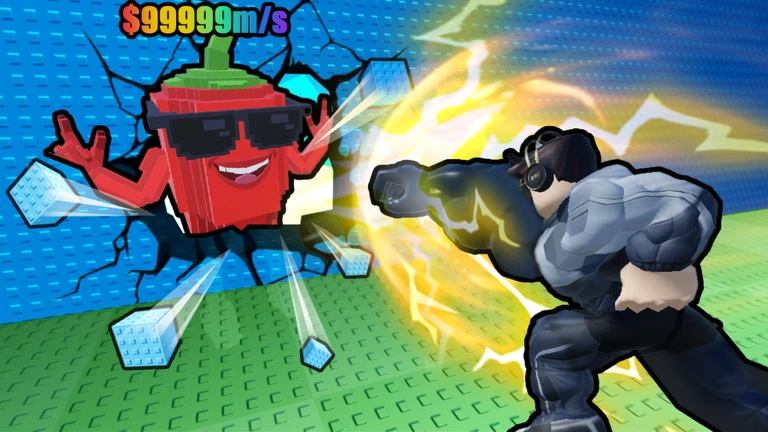
+1 Strength to Grow Your Arm Script – Keyless, Auto Break, Auto Train & Auto Rebirth

Description
The +1 Strength to Grow Your Arm Script is a keyless Roblox script designed to automate training, wall breaking, brainrot collection, money farming, upgrades, and rebirths. It combines multiple progression features into one simple script to reduce repetitive gameplay.
This +1 Strength to Grow Your Arm Script provides automation for several important activities, including breaking walls, collecting and delivering Brainrots, training, earning money, and upgrading your character.
You can also use the script to automatically purchase dumbbells and auras, unlock new floors, place and replace items, and perform rebirths. The script is keyless, meaning you don’t need to complete a key system before using it.
Script Features
- Keyless Script
- No Key Required
- Auto Break Walls
- Auto Stop at Zone
- Auto Collect Brainrots
- Auto Deliver Brainrots
- Auto Collect Money
- Auto Place
- Auto Replace Placed Items With Better Items
- Auto Train
- Training Area Selector
- Auto Upgrade Speed
- Auto Buy Dumbbells
- Auto Buy Aura
- Auto Unlock Floors
- Auto Rebirth
- Wall Breaking Automation
- Brainrot Collection
- Brainrot Delivery
- Automatic Money Collection
- Placement Automation
- Training Automation
- Speed Upgrade Automation
- Automatic Purchases
- Floor Unlock Automation
- Rebirth Automation
Script
loadstring(game:HttpGet("https://raw.githubusercontent.com/joustingmatch/Ouroboros/main/loader.lua"))()How to Use This Script
Open Your Executor
Launch a supported executor and attach it to a running Roblox session.
Copy the Script
Click the Copy button above. The full loadstring is placed on your clipboard instantly.
Paste & Execute
Paste it into the executor and hit Execute. The hub window opens inside the game.
Comments (0)

No comments yet. Be the first to comment!